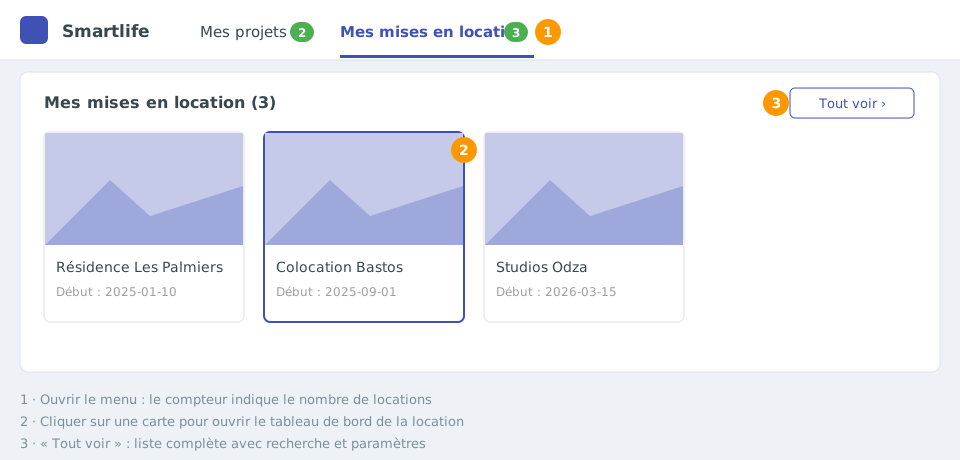
At the top of the console, two menus give access to all your projects:
My projects: your construction projects;
My rentals: your rentals.
The number next to each menu shows how many items it contains. A project that combines construction and rental appears in both menus.The “My rentals” menu: one card per rental and the “See all” button.
Open a project or a rental
Click the menu, then the card of the project or rental (photo, name and start date):
from My projects, you land on the project dashboard;
from My rentals, you land directly on the rental dashboard.
The See all button opens the full list, with search and the settings of each project.
A rental is missing?
The list is loaded when you sign in. If you have just created a rental or been added to a project, sign out and sign in again to see it in the menus.